Built to Scale Your
Rental Operation
From real-time SKU barcode tracking to automated Stripe deposit holds, attendance scheduling, and multi-branch management.
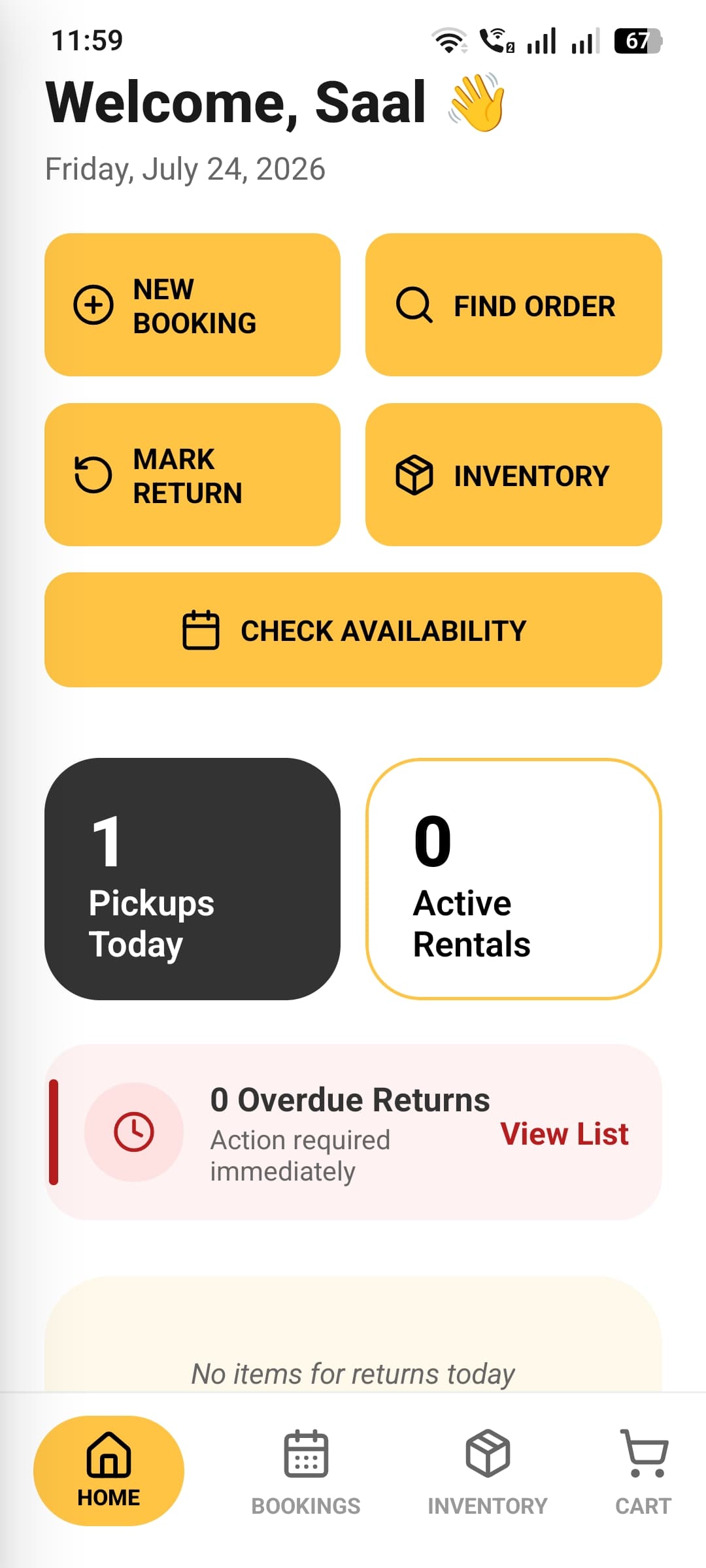
Bookings & Order Management
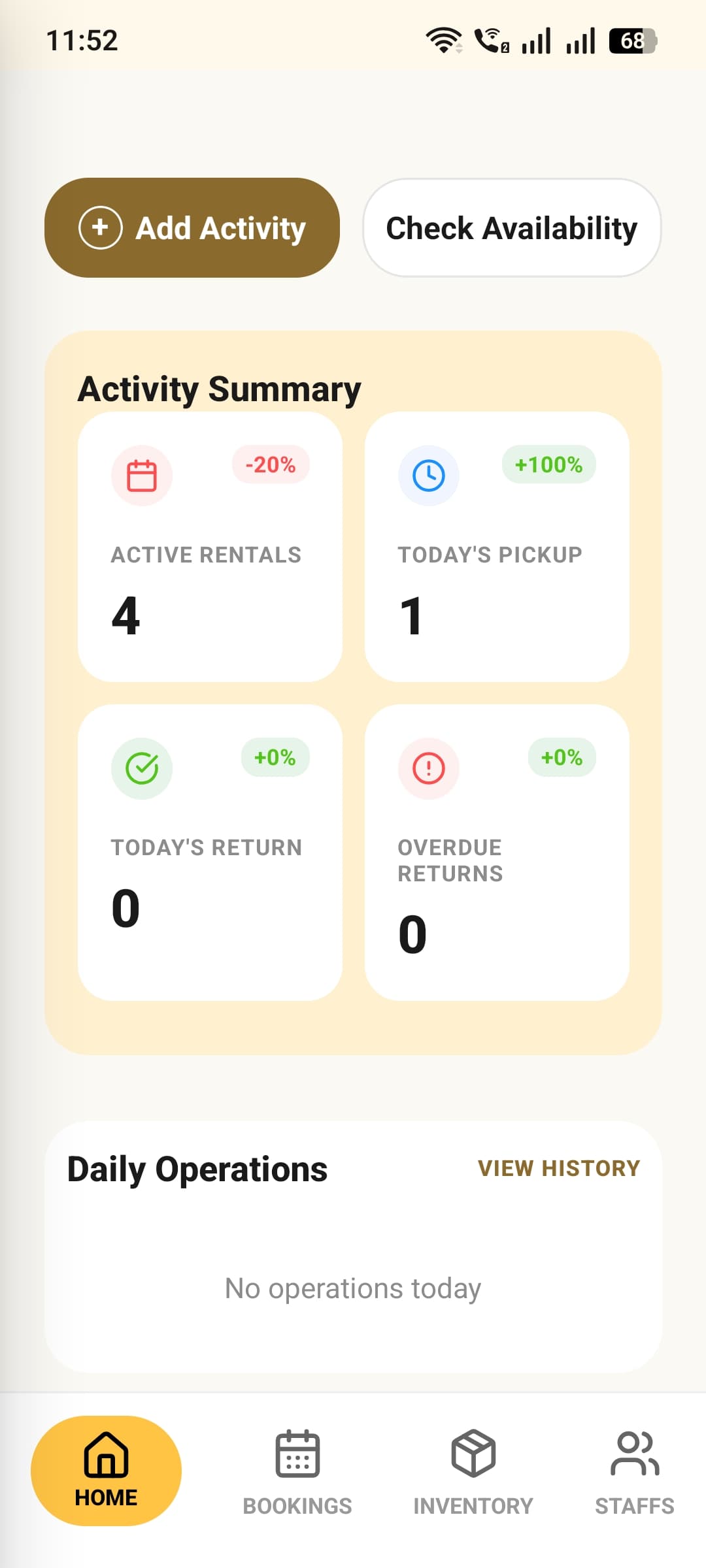
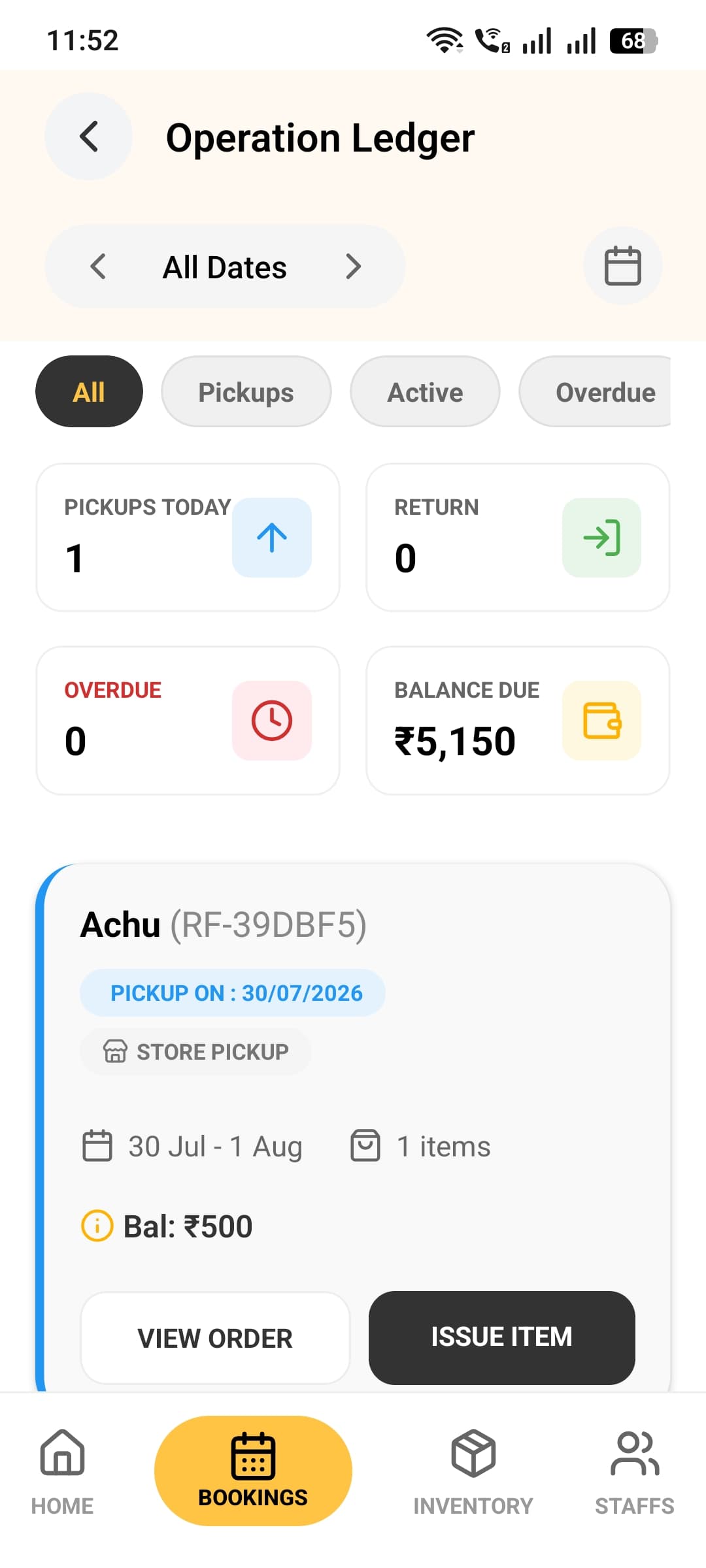
Run the entire rental lifecycle from one operations ledger. Filter by pickups, active rentals, or overdue returns, then issue, return, cancel, or send a reminder — all without leaving the screen.
- Live stats for today's pickups, returns, overdue items, and balance due
- One-tap Issue and Return flows that update stock automatically
- Send pickup, return, and overdue reminders by SMS or WhatsApp
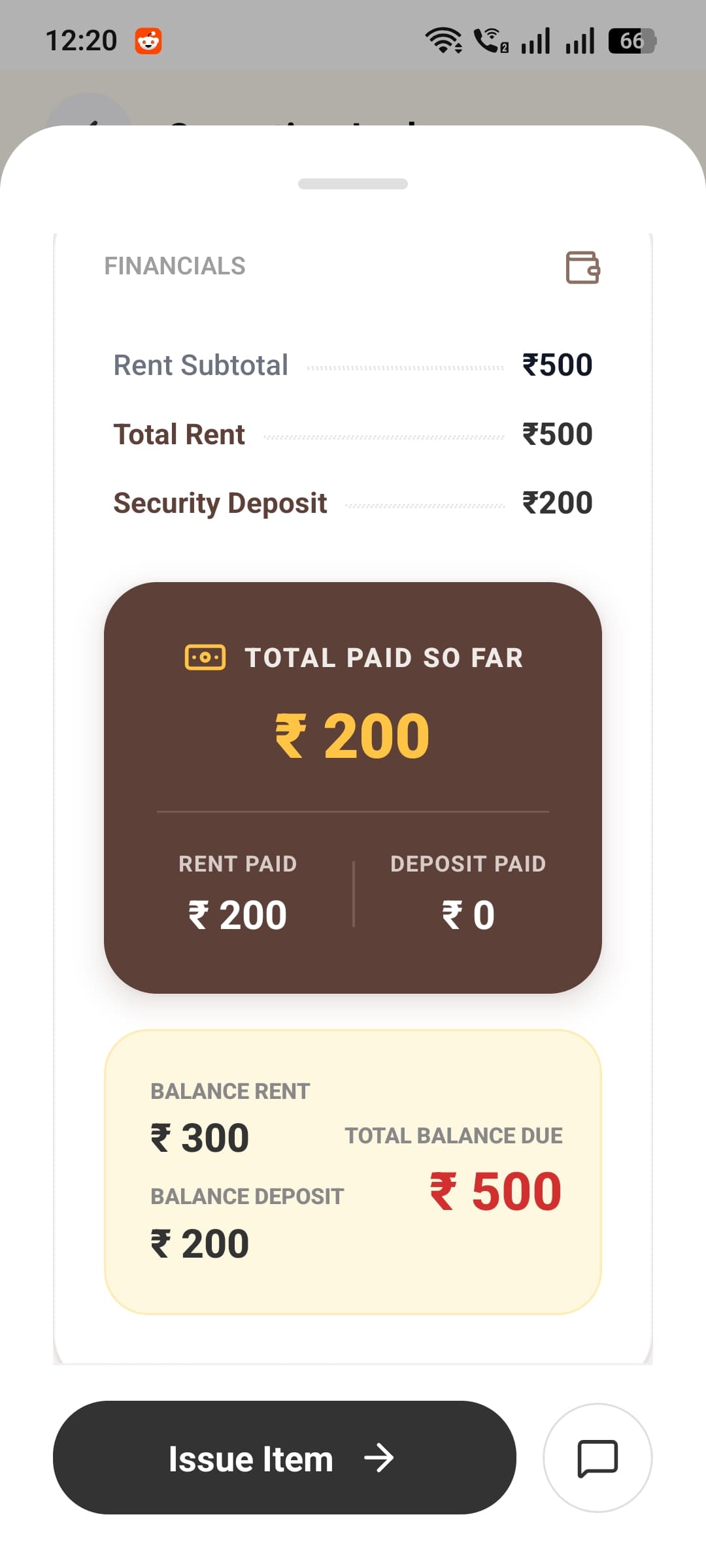
Transparent Deposit & Payment Ledger
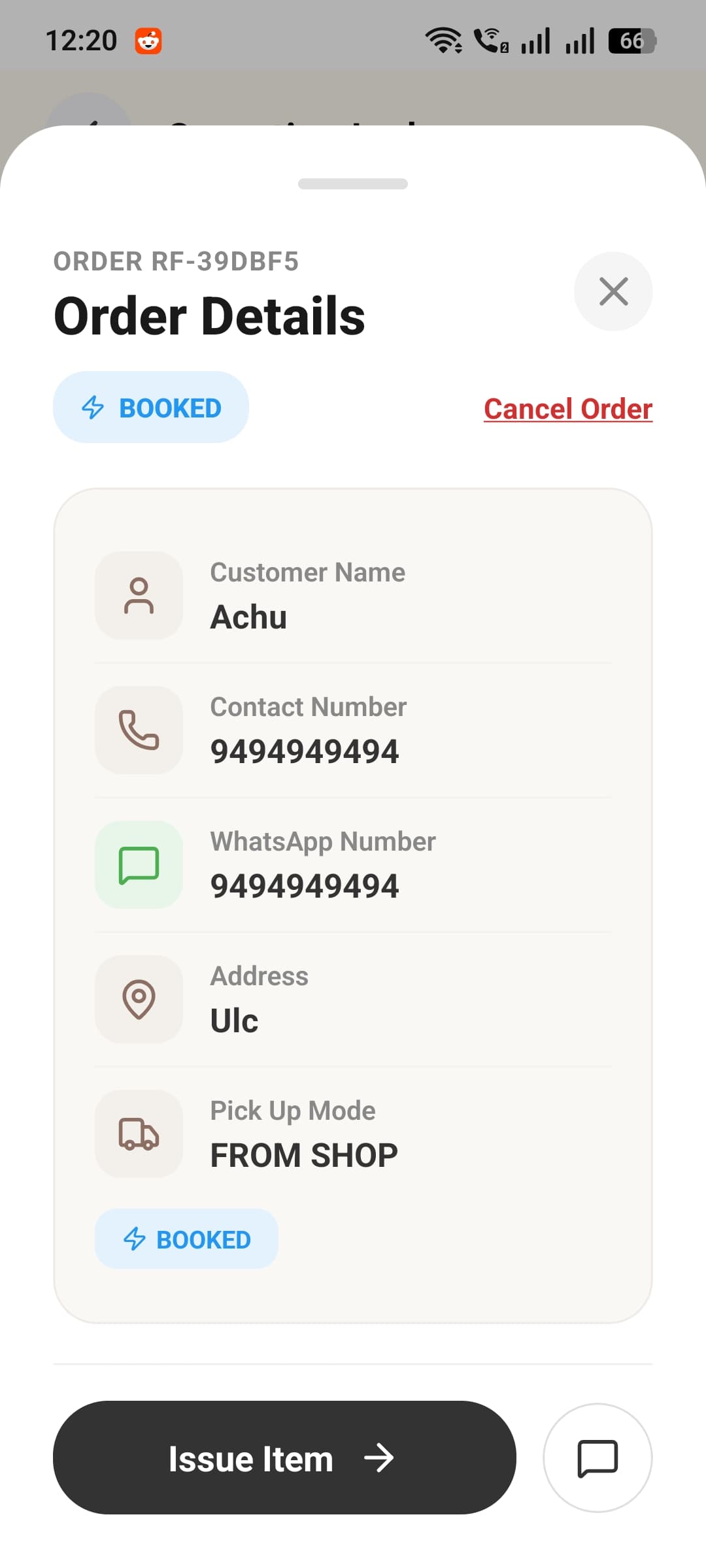
Every rental keeps rent and security deposit in separate, auditable ledgers, with the full customer record and balance always one tap away.
- Complete customer record — name, phone, WhatsApp, address, and pickup mode
- Rent, deposit, amount paid, and balance due broken out automatically
- Cash, UPI, card, and bank transfer payments tracked per order
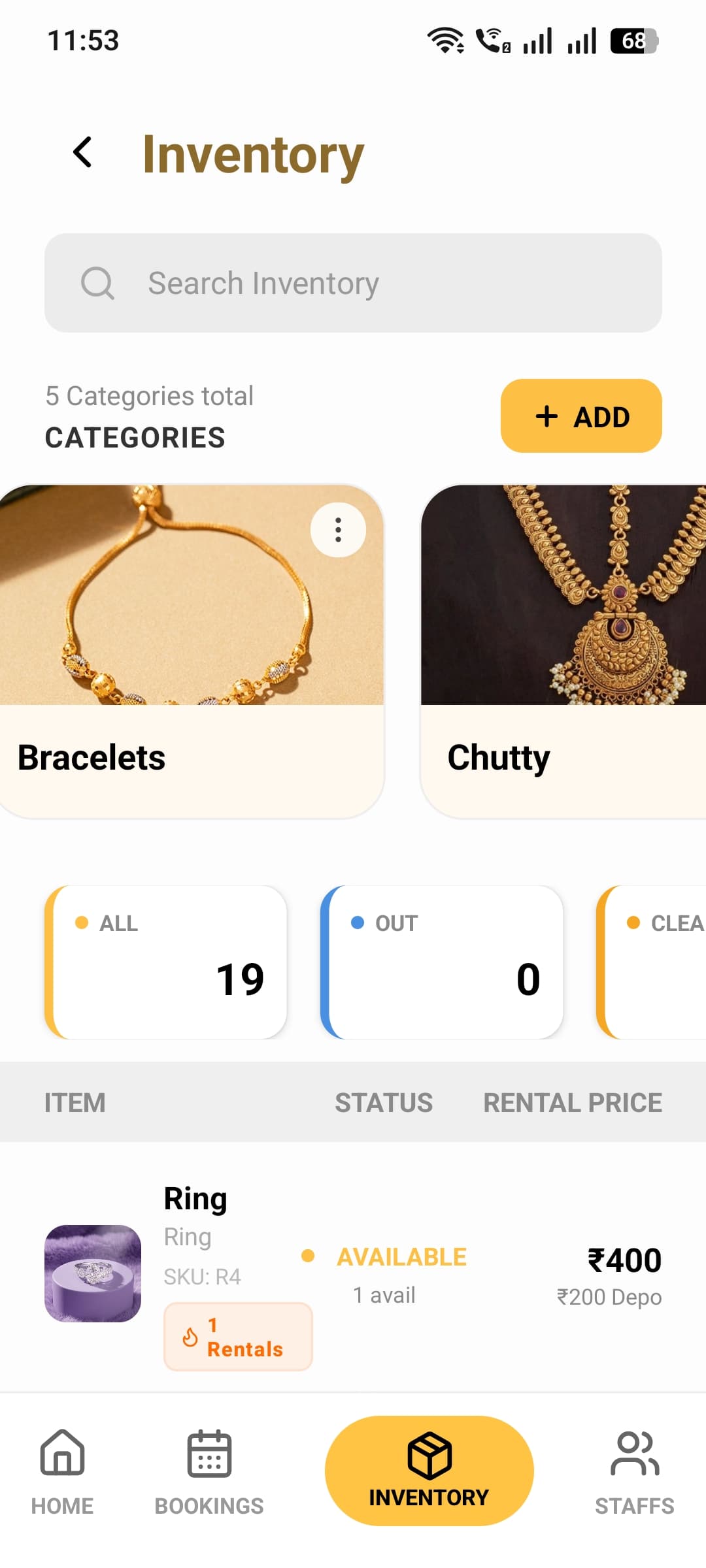
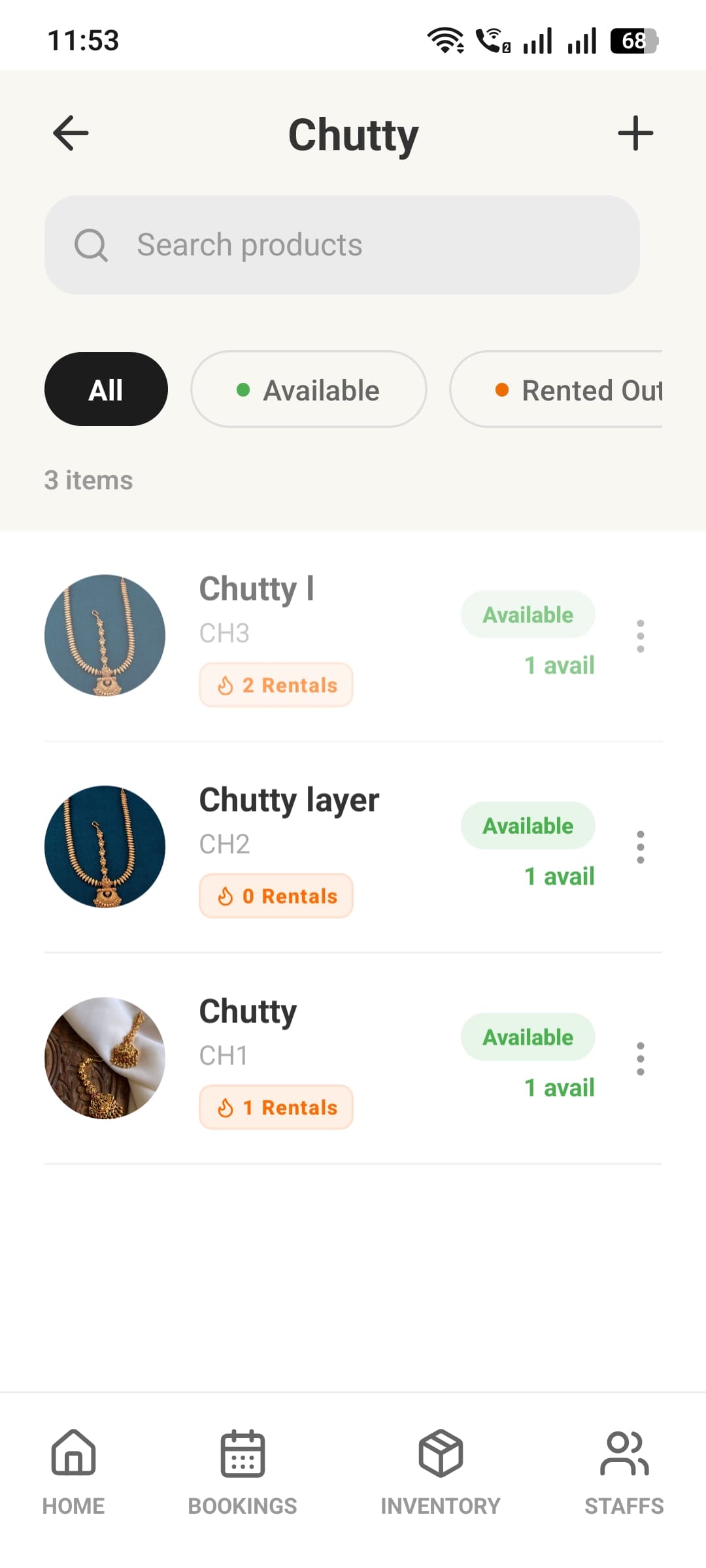
Inventory That Tracks Itself
Organize every category and item with photos, barcodes, and flexible pricing, while a six-state stock engine tracks exactly what’s available, rented, cleaning, or in repair.
- Fixed, daily, weekly, and monthly pricing plus a security deposit per item
- Six-state stock tracking: available, rented, cleaning, repair, damaged, total
- Trending-item badges highlight your most-rented pieces automatically
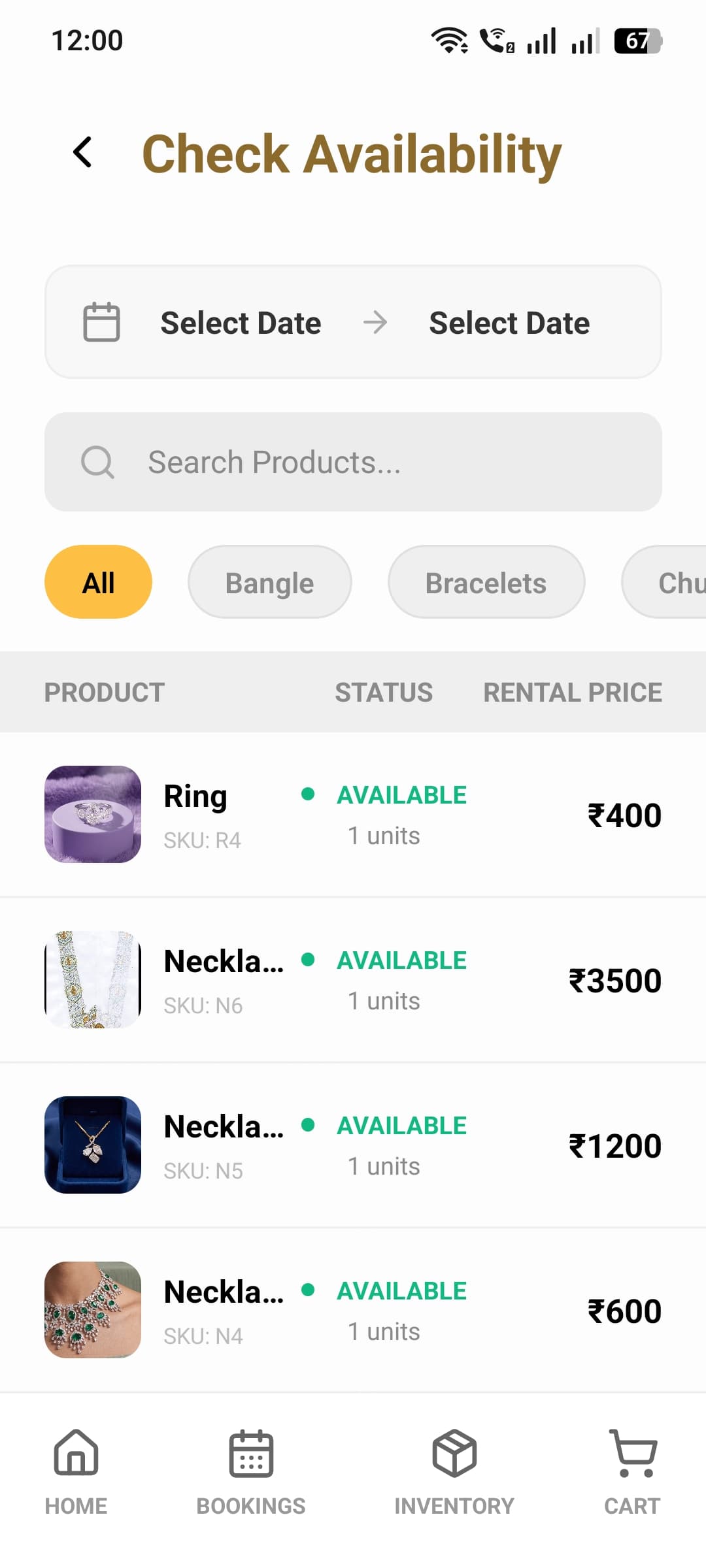
Real-Time Availability Check
Pick any date range and instantly see what’s free — powered by a true overlap-aware availability engine, not just a static stock counter.
- Search and filter by category to find open items in seconds
- Availability recalculates automatically as new bookings are made
- Use it standalone or right inside the booking flow
Revenue & Business Insights
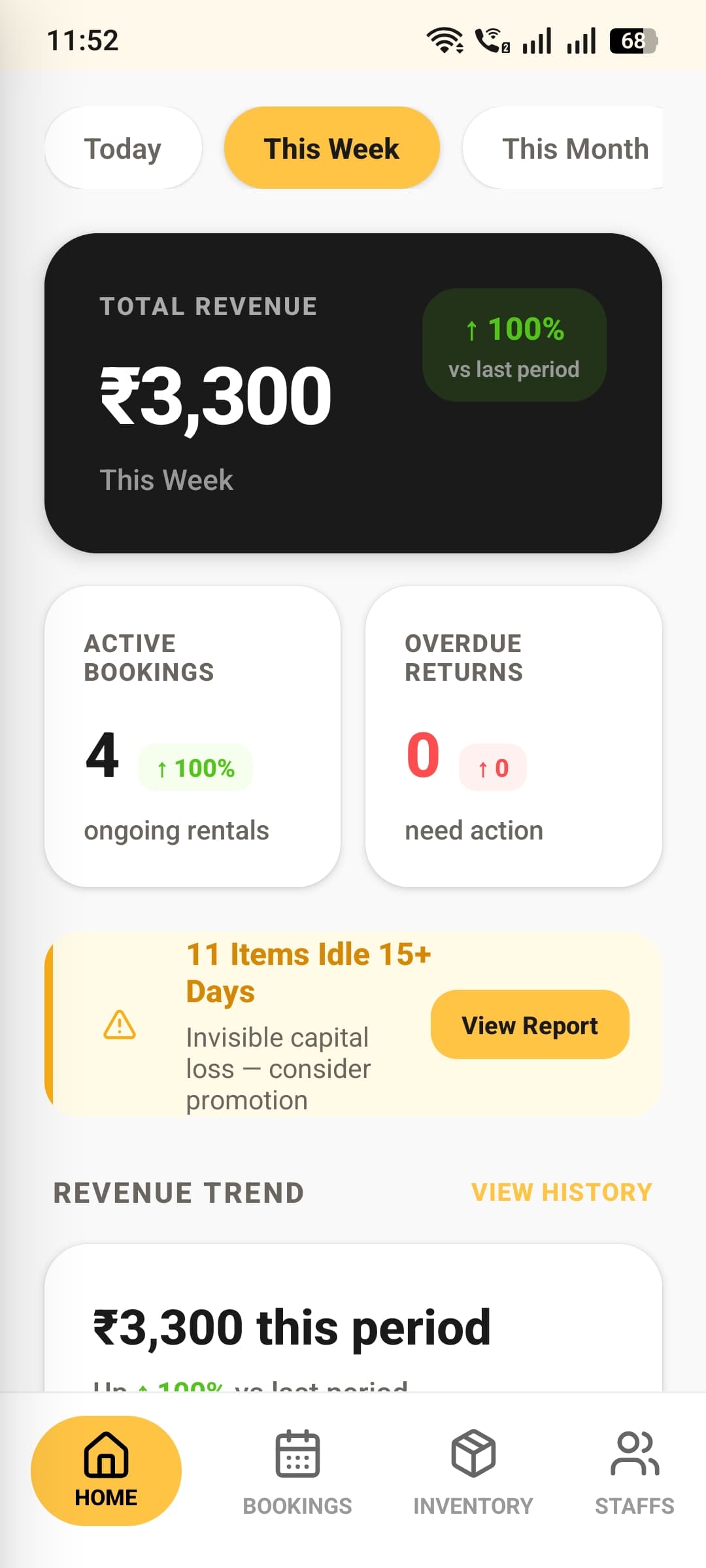
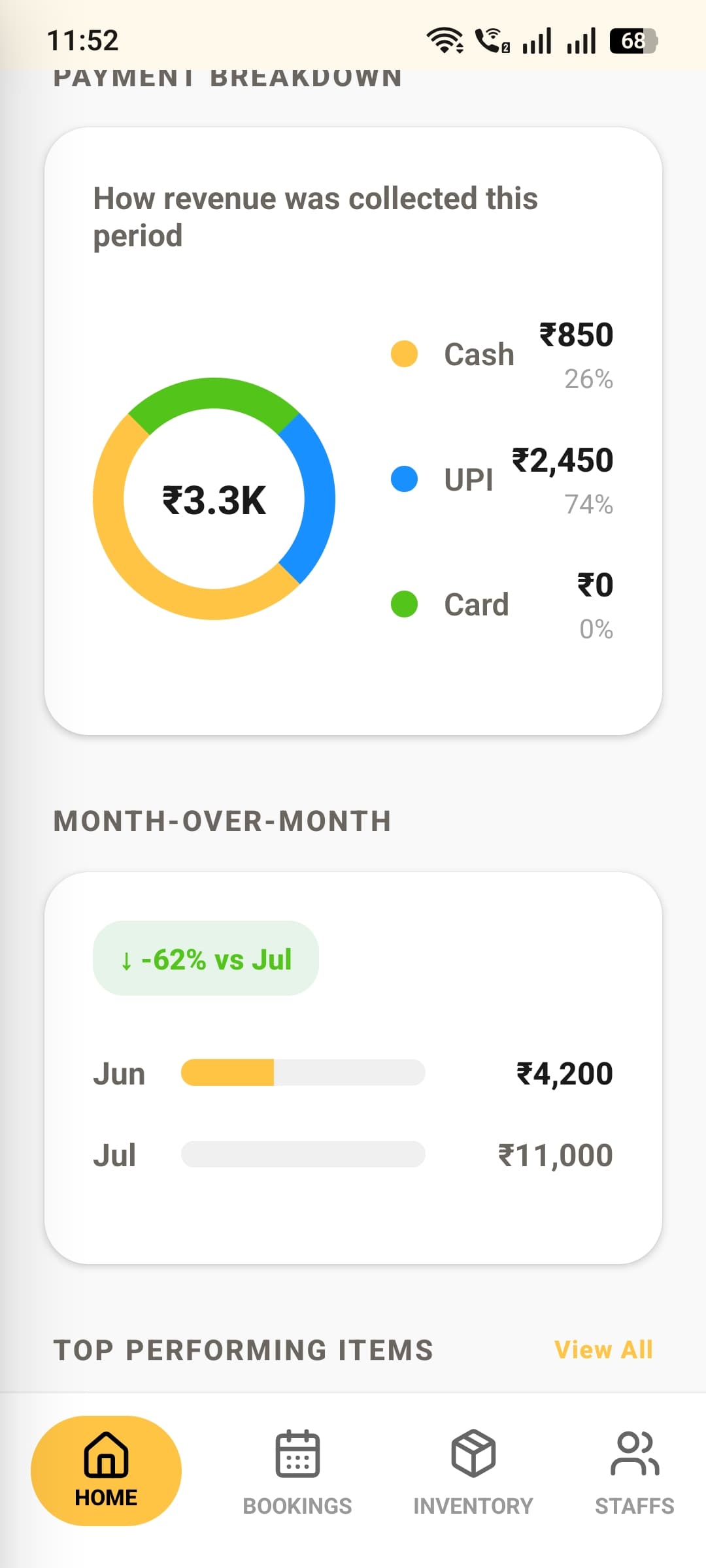
See exactly how the shop is performing — revenue trends, payment mix, and which items pull their weight — with an owner dashboard built for daily decisions.
- Today, weekly, monthly, and custom date-range reporting
- Payment-method breakdown and month-over-month growth at a glance
- Idle-inventory alerts flag items losing you money by sitting still
Staff & HR, Handled
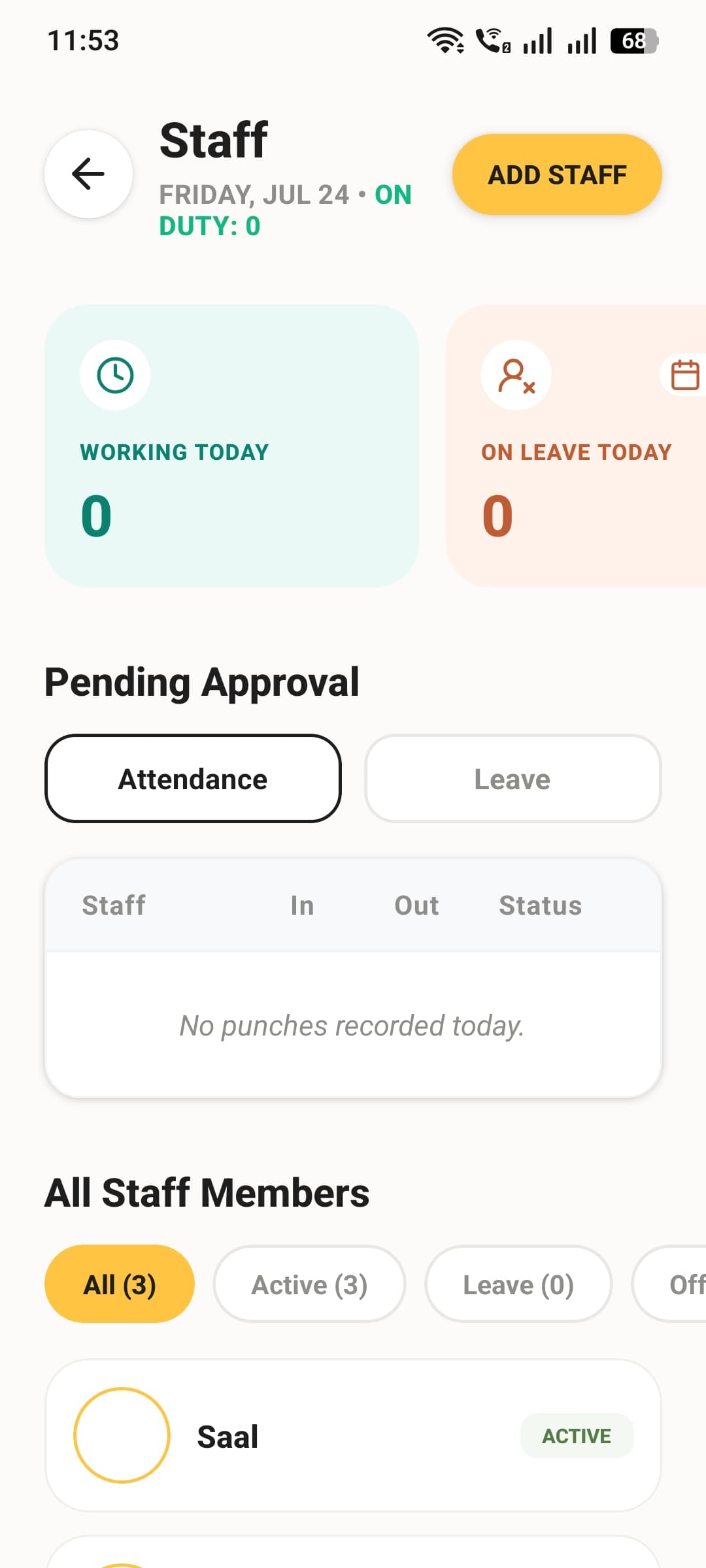
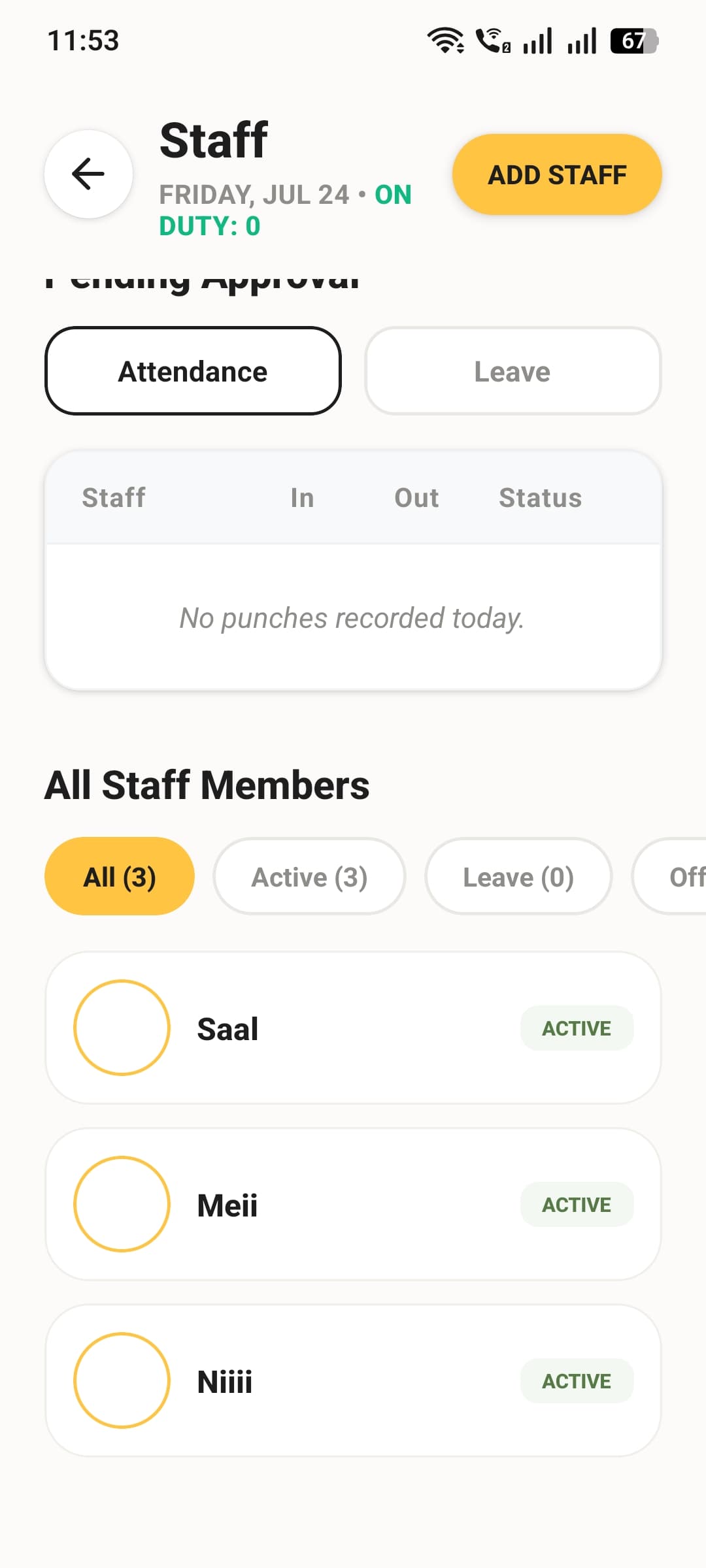
Add staff in seconds, see who's working today, and clear attendance or leave approvals from a single pending-approvals queue.
- Provision staff logins with a secure PIN — no self-signup needed
- Live "Working Today" and "On Leave Today" counts
- One combined queue for attendance and leave approvals
GPS Attendance & Leave, Self-Serve
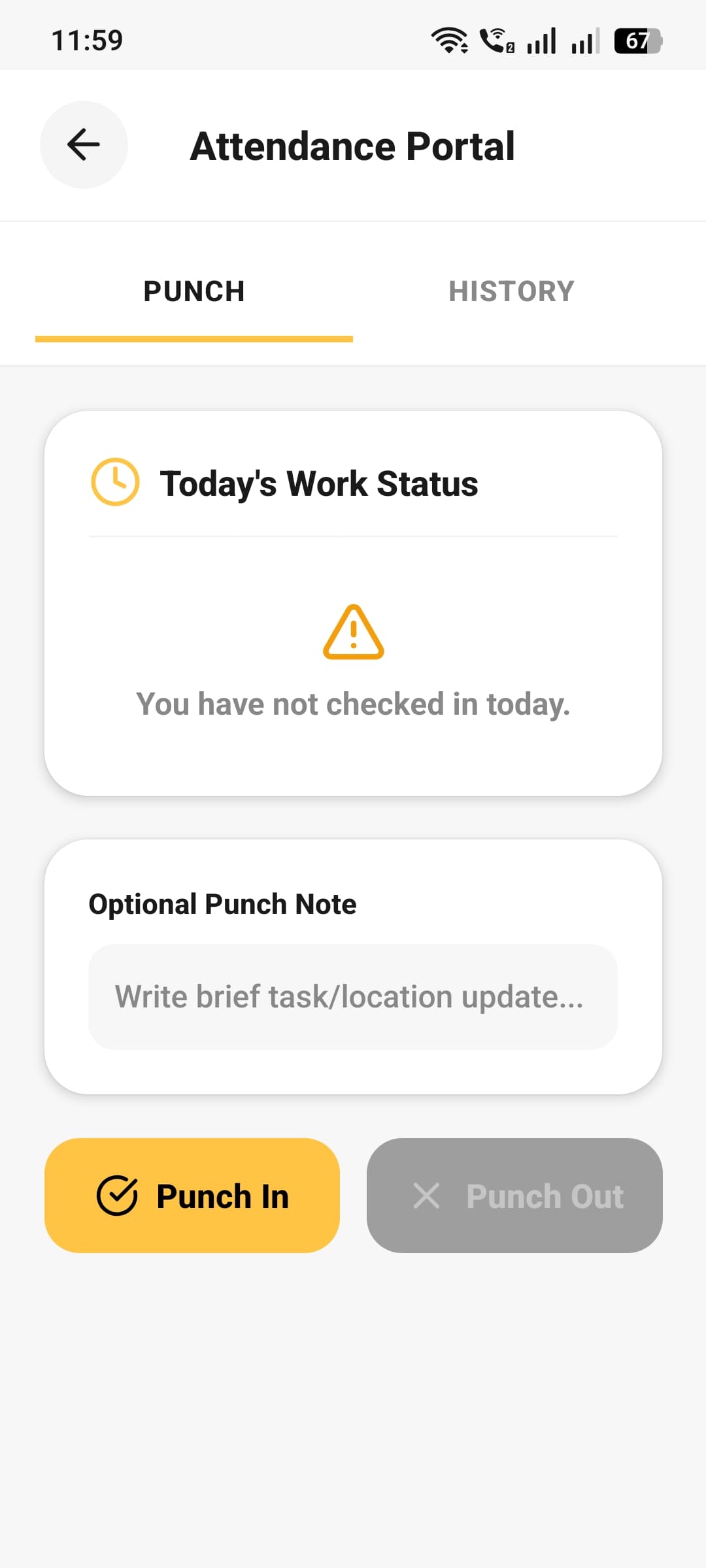
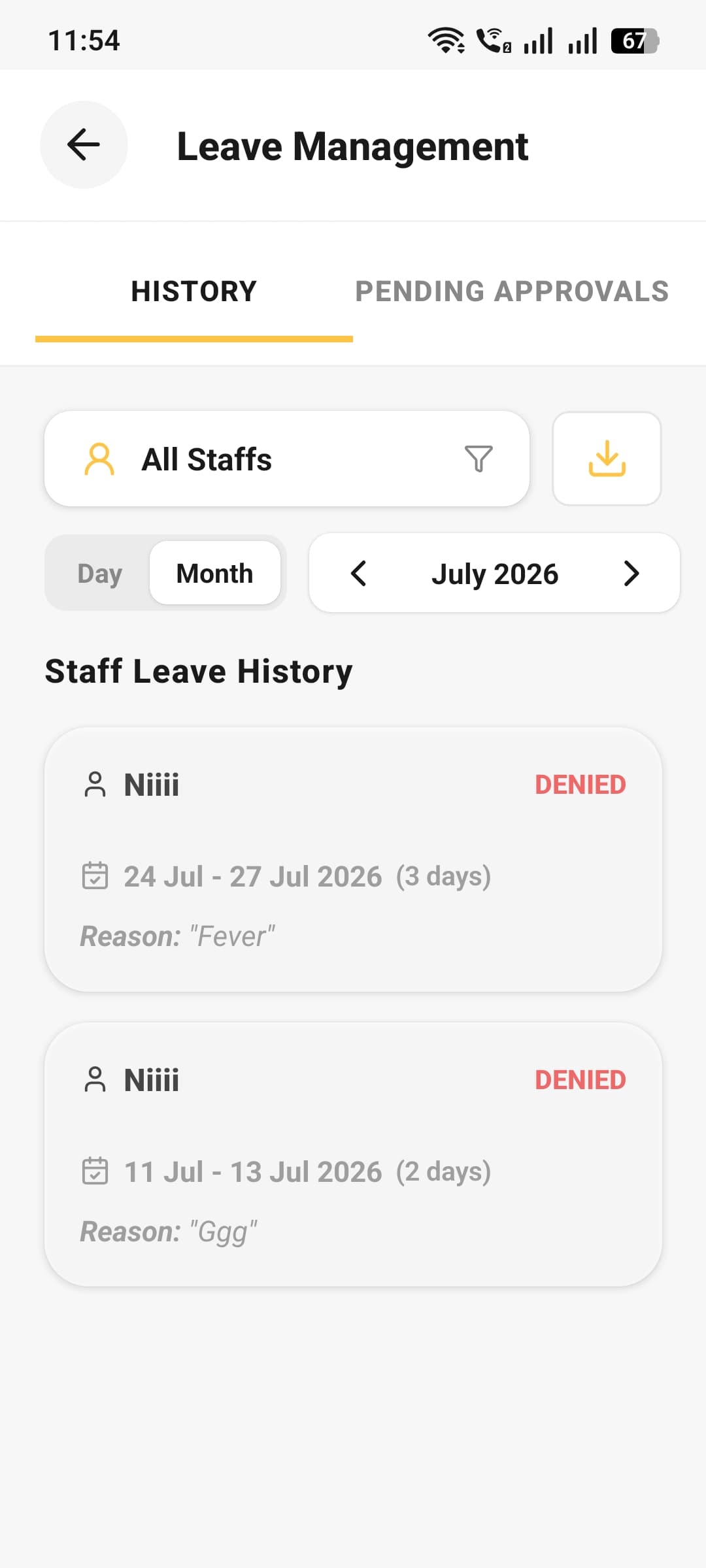
Staff punch in and out with GPS-verified location, while leave requests and approval history stay organized and exportable for payroll.
- Geofenced punch-in prevents check-ins from outside the shop
- Optional notes on every punch, plus regularization requests for missed ones
- Sick, casual, half-day, and earned leave — with a full approval history
Assign, Track, Done
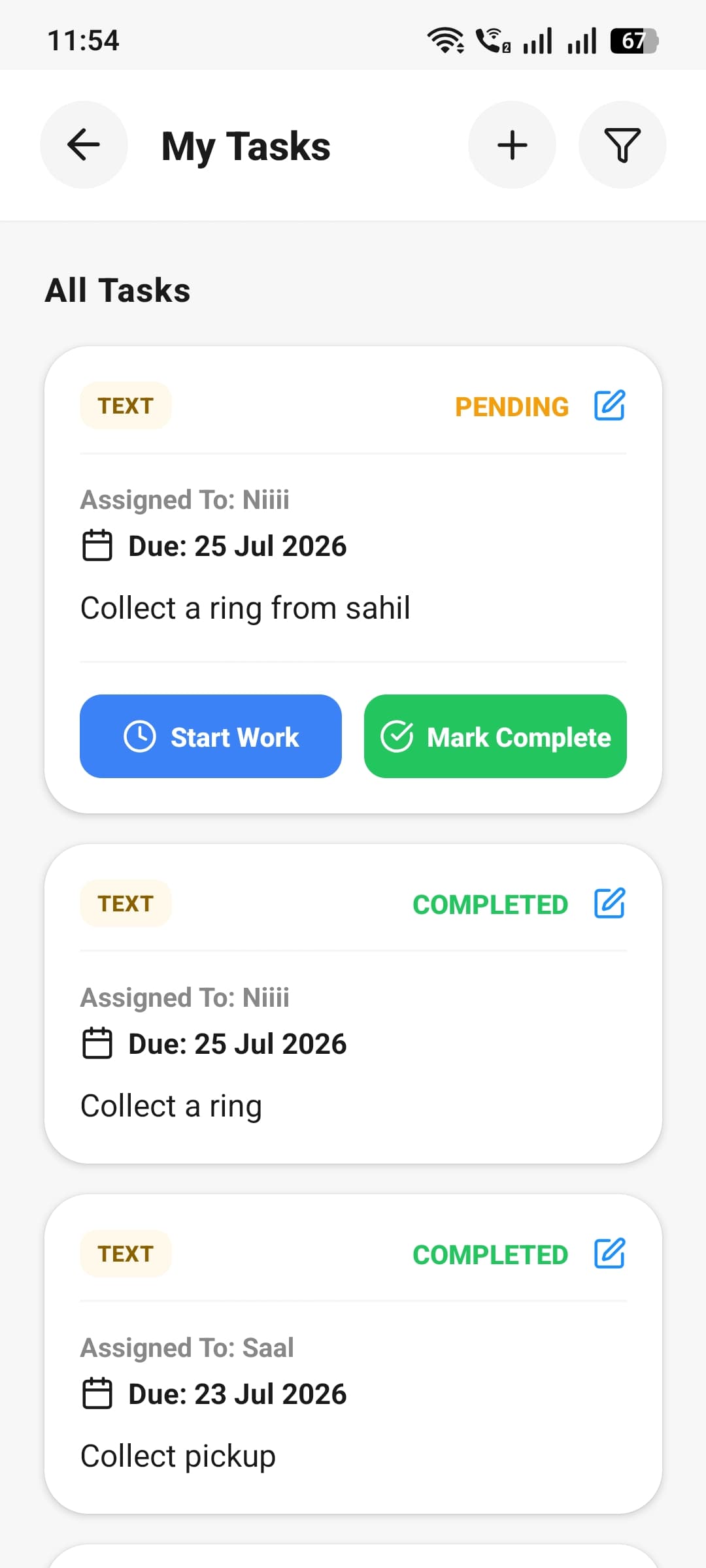
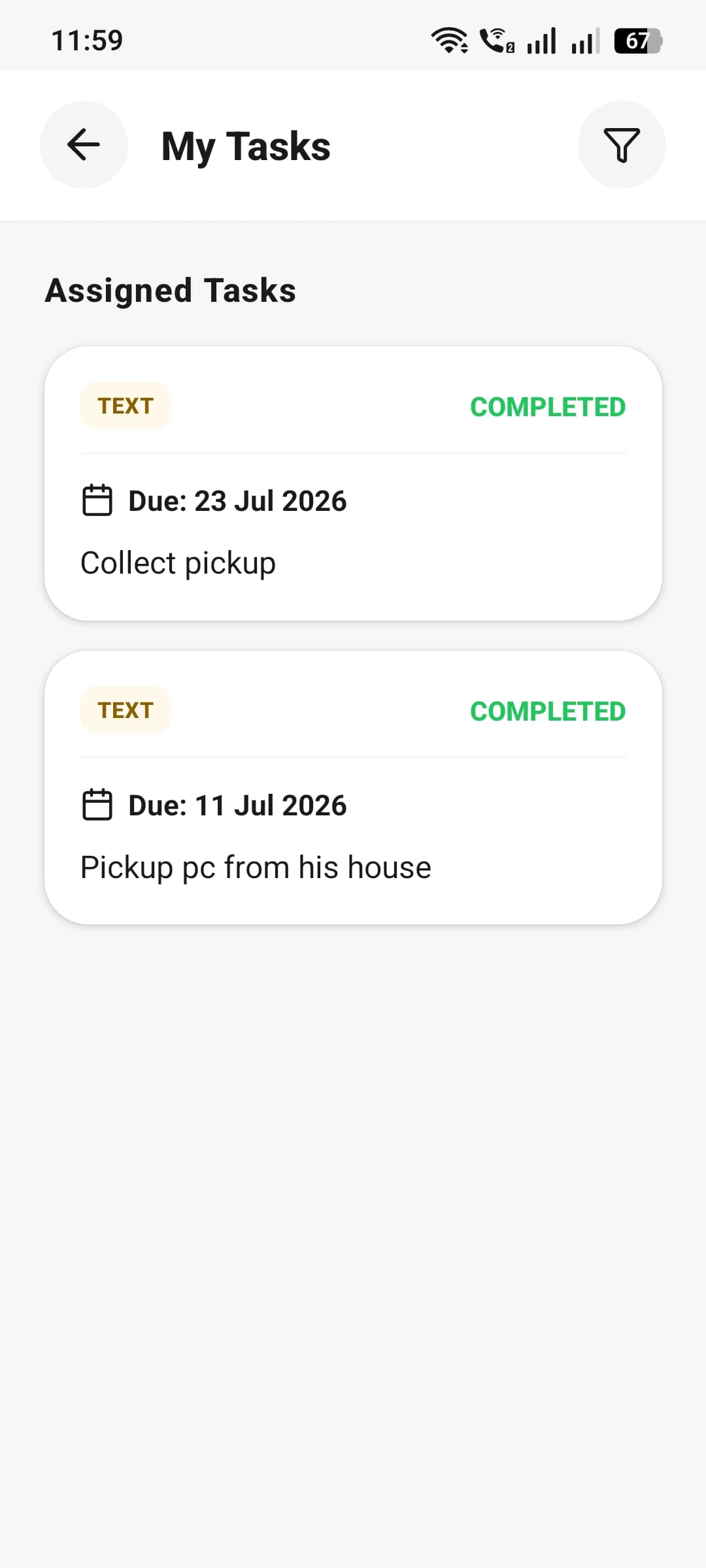
Owners assign tasks — even as a quick voice note — and staff track them to completion, with nothing lost even if they were offline when it landed.
- Text or voice-note task assignment with due dates
- Staff update status: pending, in progress, or complete
- Push notifications delivered the moment staff come back online
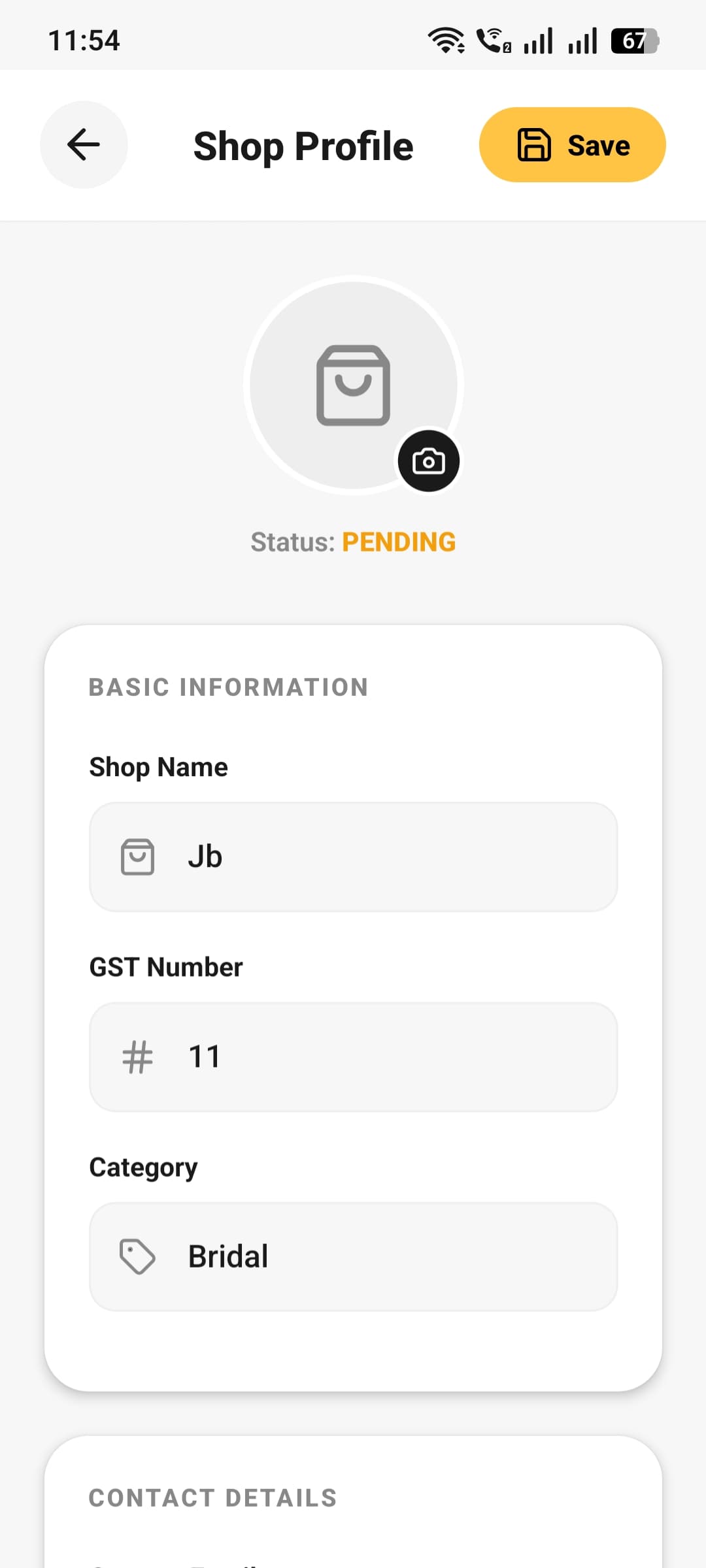
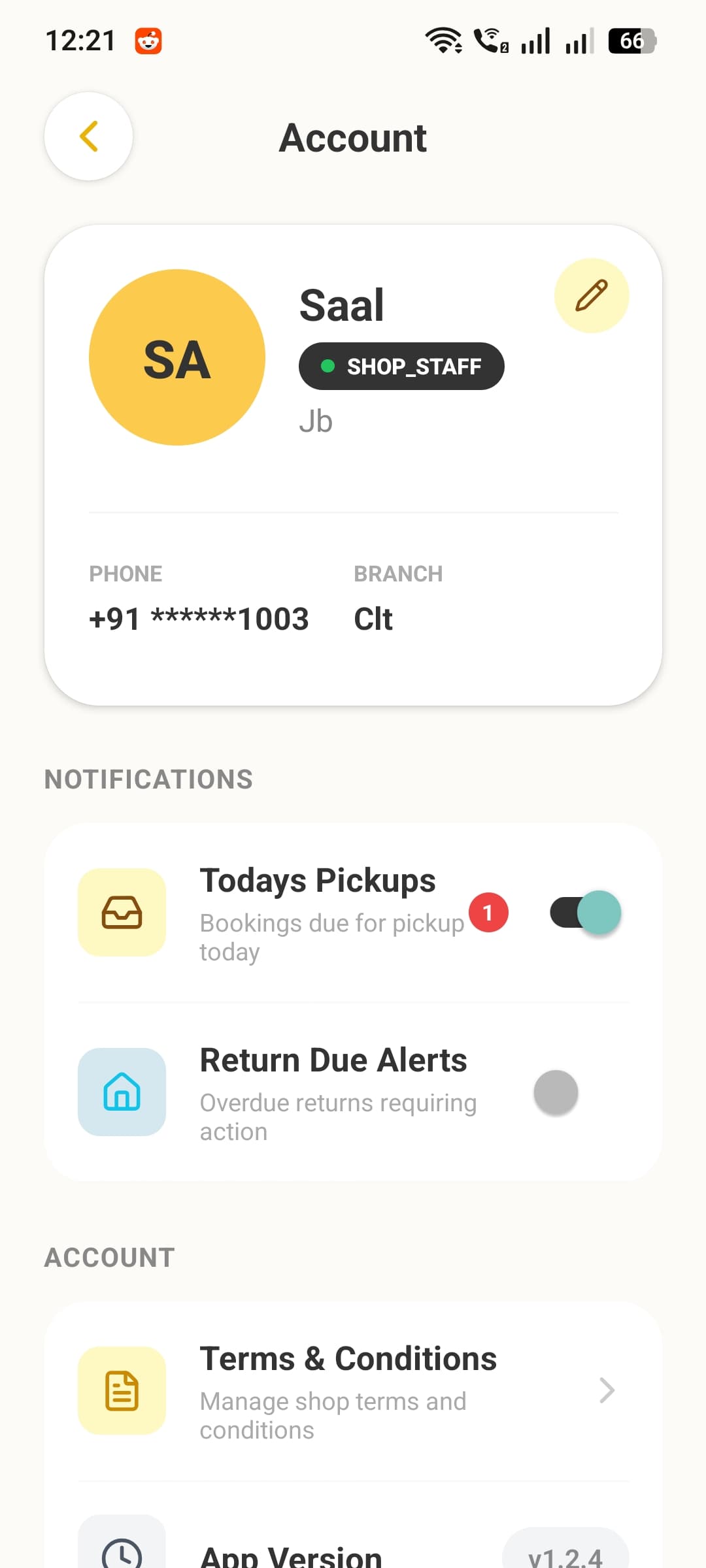
Your Shop, Your Rules
Set up your shop profile once, then give every team member exactly the right level of access — from full owner control to focused staff tools.
- Shop profile, logo, GST details, and business hours in one place
- Role-based access — owners see revenue and staff HR, staff see their day
- Personal notification preferences for pickups and return-due alerts